
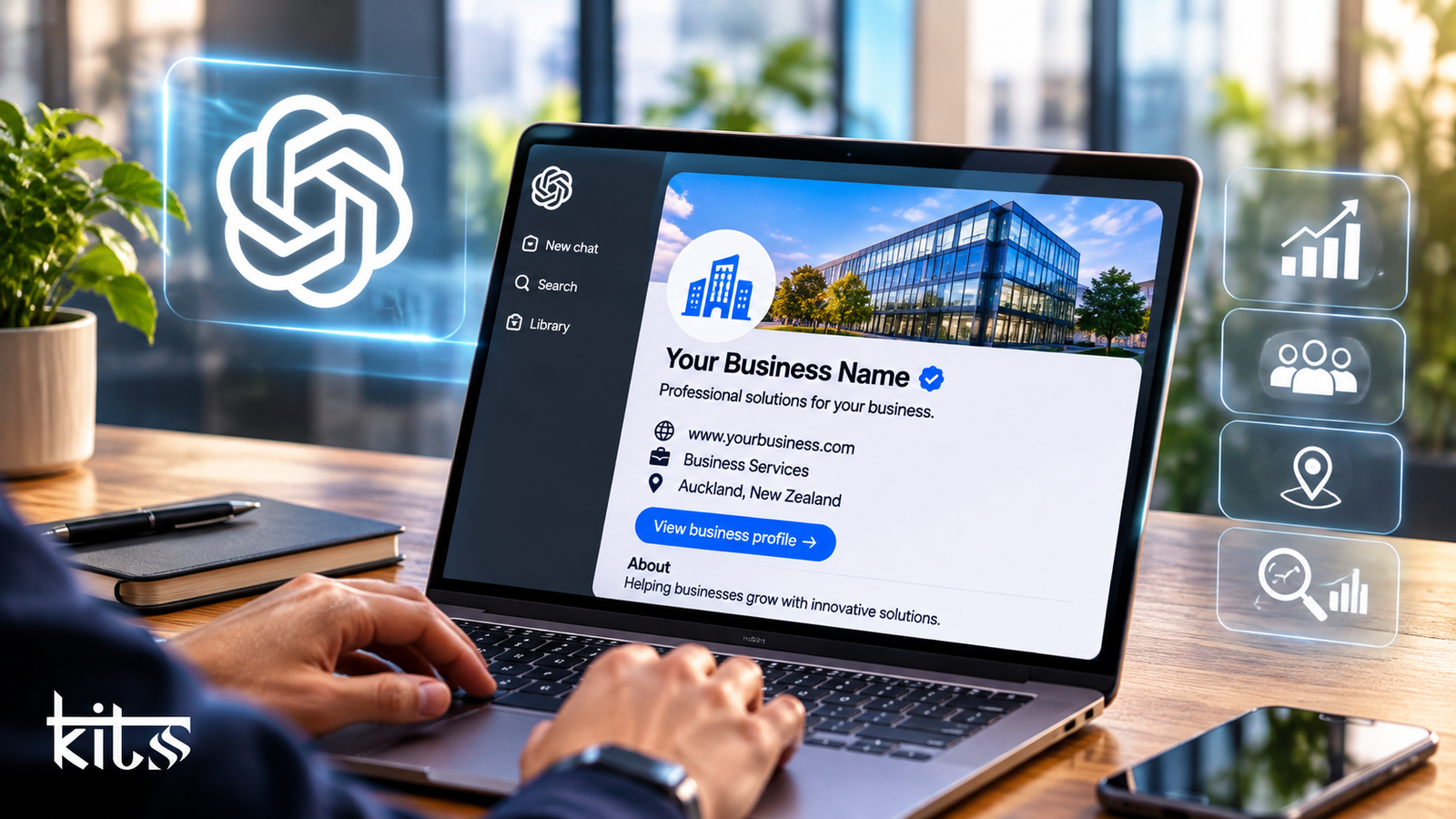
Would your business appear in the answer?
AI-powered platforms are changing how people discover businesses, compare services, and make purchasing decisions. Instead of relying only on traditional Google searches, customers are increasingly using conversational AI to research products, find service providers, and explore business solutions.
Recognising this shift, OpenAI introduced Businesses in ChatGPT, a new beta experience that allows eligible businesses to claim and manage their business profiles through Business Hub.
This gives businesses an opportunity to provide accurate information, manage their presence, and understand how people discover and engage with them through ChatGPT.
But how does it work? Can any business create a profile? And what steps should you follow?
Let’s explore everything you need to know.
What Is a ChatGPT Business Profile?
A ChatGPT Business Profile is a business presence that organisations can claim and manage through OpenAI’s Business Hub.
It allows eligible businesses to provide information about their company, including:
- Official business name.
- Website URL.
- Business description.
- Product and service categories.
- Business logo and cover image.
- Product information and availability, where supported.
- Other relevant business details and policies.
Once a business completes the required verification, authorised representatives can manage its information and access available business insights.
The purpose is to help ChatGPT provide users with more accurate and up-to-date information when they explore businesses, products, and services.
Important: A business profile is not a paid advertisement or a guaranteed search ranking. Claiming a profile does not guarantee that ChatGPT will recommend your business in every relevant conversation.
Why Should Businesses Consider Creating a ChatGPT Business Profile?
AI-powered discovery is creating another opportunity for businesses to connect with potential customers.
Here are some reasons why claiming an eligible business profile deserves attention.
1. Improve Your Business Information on ChatGPT
When you claim and verify your business, you can manage the information you provide through Business Hub.
This helps keep important details about your products, services, website, and business policies accurate.
2. Understand How People Discover Your Business
Business Hub provides aggregated insights into how people engage with your business through ChatGPT.
Depending on available reporting, you can explore:
- Business mentions.
- Website clicks.
- Discovery topics.
- Common themes in conversations where your website is cited.
These insights can help businesses understand how they are being discovered through AI-powered search experiences.
3. Create More Opportunities for Customer Engagement
Eligible businesses can also explore Business Agents, which allow customers to ask questions about products, services, and business policies.
This creates another way to help potential customers understand an offering before making a decision.
However, Business Agents have separate eligibility requirements and are not currently available to every business.
4. Prepare for the Future of AI Search
People are changing how they search for information.
Instead of entering short keywords, they increasingly ask detailed questions and expect conversational answers.
Maintaining accurate business information across your website and other relevant digital platforms can support your broader SEO, AEO (Answer Engine Optimisation), and GEO (Generative Engine Optimisation) efforts.
How to Create or Claim Your Business Profile on ChatGPT
OpenAI’s Business Hub allows eligible businesses to claim an existing business listing or add an eligible online business where supported.
Follow these steps to get started.
Step 1: Open ChatGPT Business Hub
Visit ChatGPT and sign in using your account.
Open Business Hub from the ChatGPT sidebar.
You can also explore the official OpenAI Business Hub page.
Step 2: Search for Your Business
Inside Business Hub, search for your business using its official name.
If your business already appears in the available listings, select the correct profile.
Check the business name and website carefully to ensure you are claiming the right listing.
If your eligible online business does not appear, Business Hub may offer an option to add it.
Note: Local stores and restaurants currently have different restrictions. They can claim only an existing US listing, rather than freely adding a new listing.
Step 3: Select a Verification Method
After selecting your business, ChatGPT will show the available verification methods.
Depending on your listing, these may include:
- Business phone verification.
- Business email verification.
- Website domain verification.
- Shopify store verification.
For website domain verification, you may be asked to add a TXT record to your domain’s DNS settings.
If you use a website administrator or hosting provider to manage your domain, they may need to help you complete this step.
Step 4: Submit Your Claim for Approval
Follow the verification instructions and submit your business claim.
OpenAI reviews the request and may send an email confirming approval or requesting additional information.
Submitting a claim does not automatically give you access to the business profile. You must wait for approval.
Step 5: Complete Identity Verification
After your business claim is approved, you will need to complete identity verification through Persona before publishing business information, viewing insights, or accessing other verified business features.
You may need to provide identification and relevant business documentation.
Once approved, the verified profile displays a blue checkmark.
Step 6: Update Your Business Information
After the required verification is complete, open your business profile in Business Hub.
You can update available details such as:
- Business website.
- Business description.
- Product or service category.
- Company logo.
- Cover image.
- Delivery policies.
- Return policies.
Make sure all information accurately represents your business.
OpenAI reviews and publishes submitted changes. Updates may take time to appear in ChatGPT listings and answers.
What Is a ChatGPT Business Agent?
Alongside business profiles, OpenAI has introduced another interesting feature: Business Agents.
A Business Agent allows eligible businesses to provide an AI-powered conversational experience within ChatGPT.
Customers can interact with the agent to ask questions about a company’s products, services, and policies.
For example, an online store could use its Business Agent to help customers:
- Explore available products.
- Compare product features.
- Understand delivery policies.
- Ask questions about returns.
- Get answers based on the information provided by the business.
Businesses can review and configure their agent before publishing it.
Who can use Business Agents?
As of November 2026, Business Agents are initially available to eligible ecommerce and online service businesses in the United States.
A claimed business profile alone does not automatically make a business eligible for an agent.
You can read more in the official OpenAI Business setup documentation.
Does Creating a Business Profile Guarantee That ChatGPT Will Recommend You?
No.
This is one of the most important things businesses should understand.
Claiming your profile allows you to manage your business information, but it does not guarantee higher visibility, rankings, recommendations, or sales.
ChatGPT continues to make independent recommendations and comparisons based on the information available to it.
Your broader online presence still matters.
Businesses should continue investing in:
1. Strong Website Content
Publish useful, relevant, and well-structured content that clearly explains your services, products, expertise, and business value.
2. Technical SEO
Maintain a crawlable website, proper indexing, relevant structured data, and a strong technical foundation.
3. Consistent Business Information
Keep your business name, website, contact details, and service information accurate across relevant online platforms.
4. Authoritative Backlinks and Brand Mentions
Build genuine relationships with relevant websites, industry publications, and trusted business directories.
5. Helpful Content for AI Search
Create content that answers real customer questions, explains solutions, and demonstrates your business knowledge.
A business profile should complement these activities, not replace them.
ChatGPT Business Profile vs Traditional Business Listings
How is a ChatGPT Business Profile different from a traditional business listing?
| Feature | Traditional listings | ChatGPT Business Profile |
|---|---|---|
| Business information | Yes | Yes |
| Business verification | Platform-dependent | Required |
| Product information | Platform-dependent | Supported features available |
| AI-powered discovery | Platform-dependent | Yes |
| Business insights | Platform-dependent | Mentions, clicks and discovery topics |
| Business Agent | Usually unavailable | Available to eligible businesses |
The important difference is that ChatGPT Business Hub combines business information management with insights into AI-powered discovery.
How KITSS Can Help Businesses Prepare for AI-Powered Discovery
As AI platforms continue evolving, businesses need to think beyond traditional keyword rankings.
A strong digital presence involves making your business information clear, accessible, consistent, and useful across the web.
At KITSS, we help businesses strengthen their digital presence through:
- Search Engine Optimisation (SEO).
- Answer Engine Optimisation (AEO).
- Generative Engine Optimisation (GEO).
- Website development and optimisation.
- CRM and marketing automation.
- AI integrations and business automation.
- Content strategy and digital marketing.
Whether you want to improve your website visibility, build a stronger online presence, or connect your marketing activities with AI-powered tools, having the right digital strategy matters.
Final Thoughts
The introduction of Business Hub represents another step in how businesses can participate in AI-powered discovery.
With the ability to claim business profiles, update company information, access engagement insights, and explore Business Agents where eligible, OpenAI is creating new ways for businesses to connect with potential customers.
However, creating a profile is only one part of the bigger picture.
Businesses should continue building strong websites, publishing useful content, maintaining accurate business information, and investing in SEO and AI search optimisation.
The opportunity is not just to get your business listed on ChatGPT. It’s to make sure your business has the information, credibility, and digital presence needed to be discovered when potential customers are looking for solutions.
Want to Make Your Business More Visible Online?
Let’s build a smarter digital presence for your business.
At KITSS, we combine SEO, digital marketing, CRM, and AI automation to help businesses improve their online visibility and create better customer experiences.
Visit KITSS.tech to explore our digital growth solutions.